Introduction
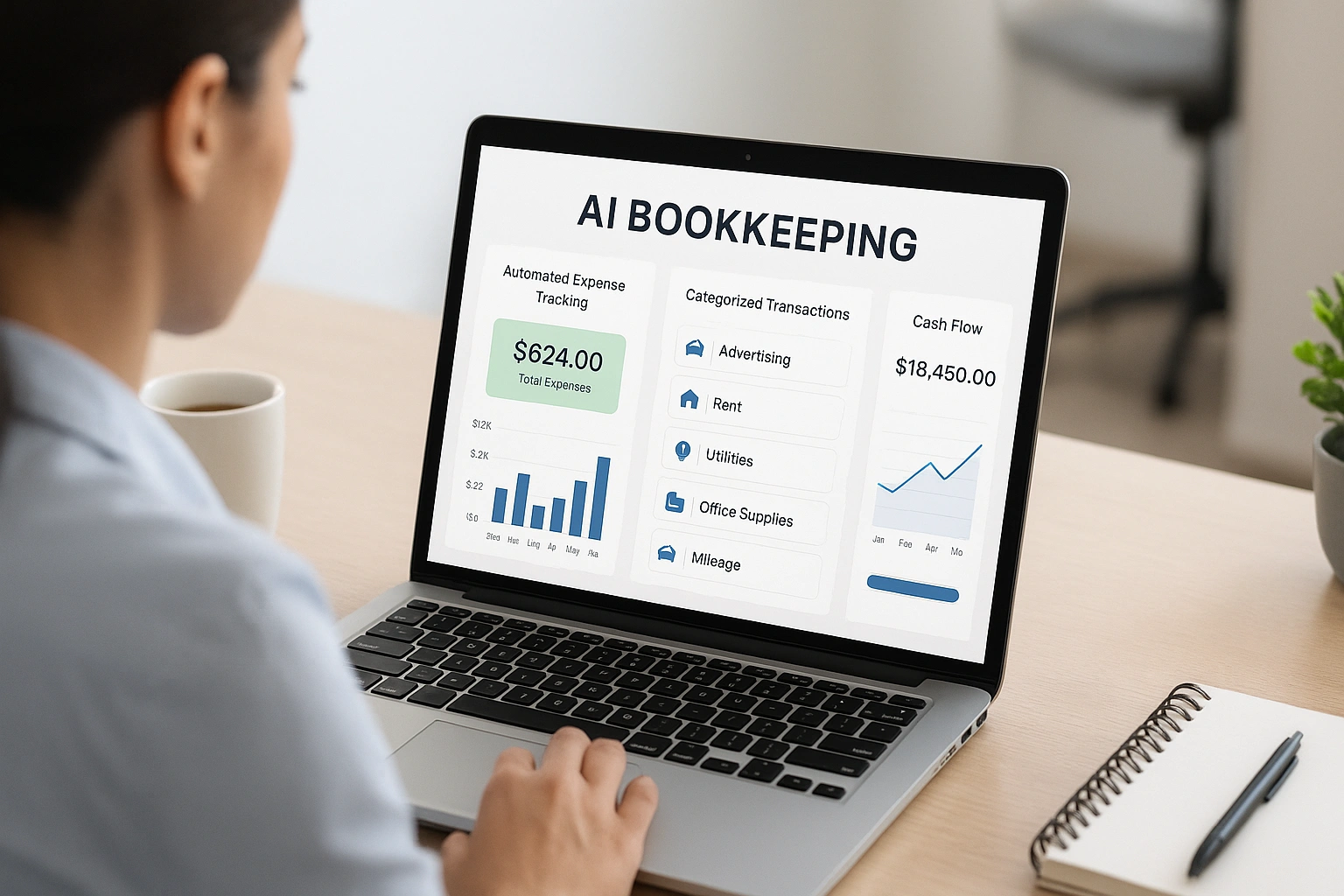
Are you drowning in receipts and endless spreadsheets? The average small business owner spends over 10 hours a month on bookkeeping, time that could be better spent growing your business. AI bookkeeping software can take over the tedious work, reduce costly mistakes, and give you a clear view of your financial health. By using AI bookkeeping software, you can streamline tasks, save hours, and focus on what matters most. The rise of AI bookkeeping software makes managing finances easier than ever, turning a stressful chore into an effortless routine.
What is AI Bookkeeping Software?
**AI bookkeeping software** is a type of accounting application that uses artificial intelligence to automate financial record-keeping. It connects directly to your business bank accounts, credit cards, and payment processors to automatically import and categorize transactions. Unlike traditional accounting software that requires extensive manual data entry, these AI-powered platforms learn from your behavior to get smarter over time, correctly categorizing expenses, flagging unusual transactions, and even helping you forecast future cash flow.
The shift to automated accounting is a massive trend. The global accounting software market is projected to reach over [$20 billion by 2026](https://www.statista.com/statistics/696342/accounting-software-market-size-worldwide/), with AI being the primary driver of innovation. For small business owners, this technology is a lifeline, transforming bookkeeping from a dreaded chore into an automated, insightful process.
Why AI Bookkeeping is a Non-Negotiable for Modern Businesses
Switching to an AI-powered system is one of the smartest decisions you can make for your business’s financial health and your own sanity.
Save Dozens of Hours Every Month
This is the most immediate benefit. AI eliminates the need for manual data entry. It automatically pulls in transactions, categorizes them, and reconciles your accounts, turning hours of work into a quick review process.
Drastically Reduce Human Error
Manual bookkeeping is prone to errors—typos, duplicate entries, and miscategorizations—that can be costly and time-consuming to fix. AI performs these tasks with near-perfect accuracy, ensuring your books are always clean and reliable.
- Automatically categorize expenses with over 95% accuracy.
- Flag duplicate transactions to prevent overpayment.
- Ensure your financial reports are accurate and up-to-date.
Get a Real-Time View of Your Cash Flow
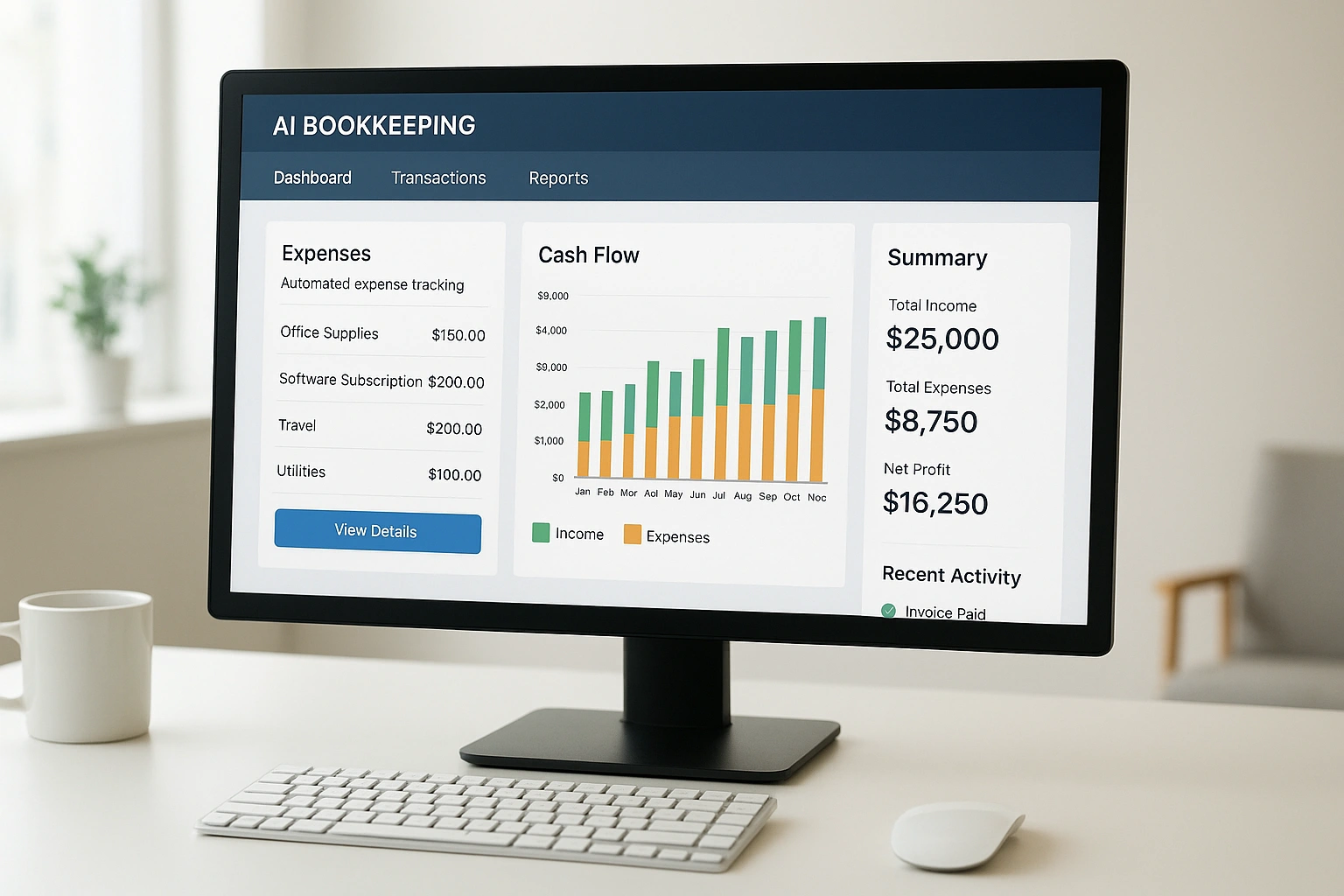
A spreadsheet is outdated the moment you save it. **Automated expense tracking apps** give you an up-to-the-minute view of your income and expenses. This allows you to make proactive, informed decisions about your business’s finances instead of reacting to old data. For more on how AI is shaping the future of finance, see our article on digital finance trends.
How It Works: Core Features of an AI Bookkeeper
AI bookkeeping software works by combining several smart features that talk to each other to create a seamless financial workflow.
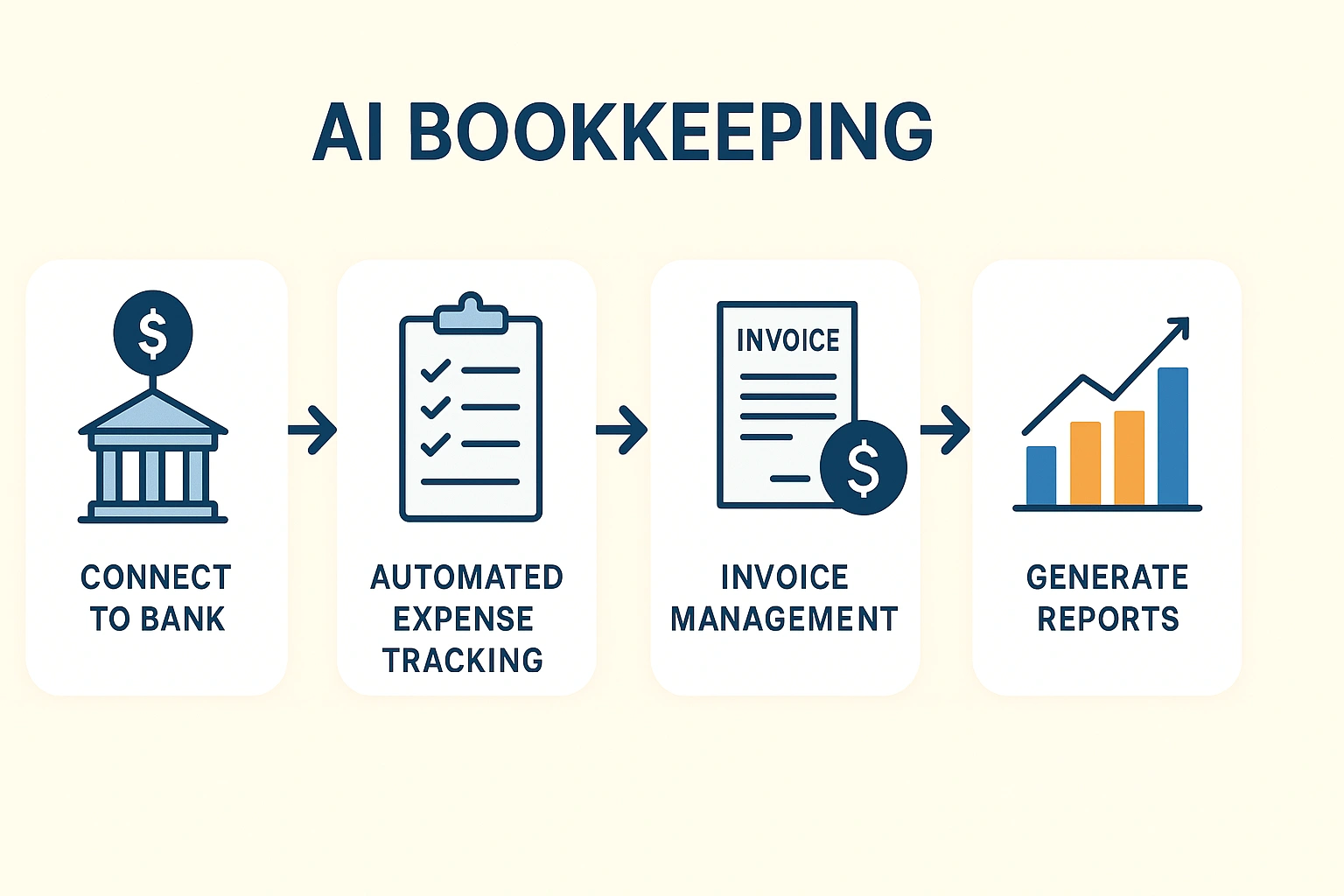
Here’s a breakdown of the key features that do the heavy lifting:
| Feature | What It Does | Business Benefit |
|---|---|---|
| Bank Feed Connection | Securely connects to your business bank and credit card accounts to import transactions automatically. | Eliminates manual data entry and ensures no transaction is missed. |
| Smart Categorization | Uses machine learning to automatically assign transactions to the correct accounting categories (e.g., office supplies, travel). | Saves hours of tedious work and makes tax preparation much easier. |
| Receipt Scanning (OCR) | Lets you snap a photo of a receipt; the AI extracts the vendor, date, and amount. | Creates a digital, audit-proof record of your expenses. |
| AI-Powered Invoicing | Sends automatic payment reminders to clients and helps you track unpaid invoices. | Improves cash flow by helping you get paid faster. |
Real-Life Use Case: A Review of QuickBooks Online
To evaluate a leading **AI bookkeeping software**, I used **QuickBooks Online** to manage the finances of a freelance graphic designer for one quarter. Their previous system was a chaotic spreadsheet and a shoebox full of receipts.
The setup was straightforward. We connected their business bank account, and QuickBooks immediately pulled in the last 90 days of transactions. The AI made intelligent suggestions for categorizing each one, and after we confirmed a few, it started to learn and categorize new transactions automatically. The receipt scanning feature was a lifesaver. Instead of hoarding paper, the designer could just snap a photo on the go. At the end of the quarter, generating a Profit & Loss statement for their accountant took a single click.
| Pros | Cons |
|---|---|
| ✅ Industry Standard: Most accountants know and use it, which makes collaboration easy. | ❌ Can Be Overwhelming: The sheer number of features can be intimidating for beginners. |
| ✅ Powerful Automation: The AI for transaction categorization is very accurate and learns quickly. | ❌ Subscription Cost: It’s a premium product with a monthly fee and no free plan. |
| ✅ Excellent Mobile App: The receipt scanning and mobile dashboard are top-notch. | ❌ Customer Support: Reaching a human support agent can sometimes be difficult. |
Top AI Bookkeeping Software Compared
QuickBooks is a giant in the space, but several other excellent platforms offer powerful AI features. Here’s how they compare for small businesses.
| Tool | Key AI Features | Pros | Cons | Best For |
|---|---|---|---|---|
| QuickBooks Online | Smart transaction categorization, receipt scanning, cash flow forecasting. | Industry standard, comprehensive features, strong mobile app. | Can be complex, no free plan. | Most small businesses, especially those that sell products. |
| FreshBooks | Automatic expense categorization, AI-powered invoice reminders. | Extremely user-friendly interface, excellent for invoicing. | Less advanced inventory management than QuickBooks. | Freelancers and service-based businesses. |
| Xero | Automatic bank reconciliation, smart categorization, project tracking. | Robust features, unlimited users on all plans, strong integrations. | Can have a steeper learning curve. | Growing businesses that need to collaborate with a team. |
| Dext (formerly Receipt Bank) | Advanced receipt and invoice data extraction (OCR). | Best-in-class data extraction accuracy, saves hours on receipt management. | It’s a specialized tool that integrates with, but doesn’t replace, accounting software. | Businesses with a high volume of receipts and bills. |
Common Mistakes to Avoid with AI Bookkeeping
Automating your finances is powerful, but it’s not a “set it and forget it” solution. Avoid these common mistakes.
- Not Reviewing Transactions: The AI is smart, but it’s not perfect. You should still spend 15-20 minutes each week reviewing and confirming the categorized transactions.
- Mixing Personal and Business Expenses: Connect only your business bank accounts. Mixing in personal expenses is a recipe for a financial mess and can cause problems with the IRS.
- Waiting Until Tax Time to Set It Up: The best time to start is now. Setting up your software mid-year can be a headache. Start fresh at the beginning of a new month or quarter.
- Ignoring Reconciliation: Make sure your software’s balances match your actual bank balances every month. This process, called reconciliation, is crucial for catching errors.
- Thinking It Replaces an Accountant: AI can replace a bookkeeper, but not an accountant. You still need a human expert for tax planning, financial advice, and complex questions, a point often stressed by financial experts cited by sources like Google Finance.
Expert Tips for Success
Get the most out of your **automated expense tracking apps** with these pro tips.
- Use the Mobile App Religiously: Snap a picture of every single business receipt the moment you get it. Don’t let them pile up.
- Create Custom Rules: If you have recurring transactions that the AI sometimes gets wrong, create a manual rule to categorize them correctly every time.
- Schedule a Weekly “Money Meeting”: Block 30 minutes on your calendar each week to review your dashboard, check your cash flow, and approve transactions.
- Invite Your Accountant: Most platforms allow you to give your accountant access to your books, which makes collaboration and tax filing seamless.
“AI bookkeeping software doesn’t just do your books; it gives you financial clarity. For the first time, many small business owners can see exactly where their money is going in real-time, and that’s a powerful tool for growth.”
– Mike Michalowicz, Author of “Profit First”
Frequently Asked Questions (FAQ)
Q: What is the best AI bookkeeping software for a small business?
A: For most small businesses, QuickBooks Online is the industry standard due to its comprehensive features and wide accountant adoption. FreshBooks is an excellent, user-friendly alternative, especially for service-based businesses and freelancers. Xero is another strong contender known for its robust features and integrations.
Q: Can AI replace my bookkeeper or accountant?
A: AI bookkeeping software can automate the vast majority of daily bookkeeping tasks, potentially reducing the need for a dedicated bookkeeper. However, it cannot replace the strategic advice, tax planning, and complex problem-solving of a human accountant.
Q: How does automated expense tracking work?
A: Automated expense tracking apps connect to your business bank accounts and credit cards. They automatically import transactions, and the AI categorizes them based on past behavior and vendor information (e.g., classifying a payment to ‘Shell’ as ‘Fuel’). You can also snap photos of receipts, and the AI will extract the data.
Q: Is my financial data safe with AI bookkeeping software?
A: Reputable platforms like QuickBooks and Xero use bank-level encryption and robust security measures to protect your data. It is generally considered much safer than storing sensitive financial information in spreadsheets on your local computer.
Q: How much does AI bookkeeping software cost?
A: Pricing for small businesses typically ranges from $15 to $60 per month, depending on the number of users and the feature set. While not free, the time saved and potential tax deductions identified often provide a significant return on investment.
Conclusion
As a small business owner, your focus should be on growing your passion, not drowning in paperwork. AI bookkeeping software lets you reclaim your time and stay on top of your finances. With AI bookkeeping software handling data entry, minimizing errors, and offering real-time insights, your bookkeeping becomes a proactive part of your strategy. Switching from spreadsheets to AI bookkeeping software is a smart move, giving your business more efficiency and control. Using AI bookkeeping software ensures you spend less time on tedious tasks and more time on what truly matters.