Introduction
Is your remote workday a constant battle against distractions, overflowing inboxes, and a to-do list that never ends? You’re not alone. Many remote workers face these challenges, and AI productivity apps are designed to tackle them head-on.
Studies show that remote workers can often struggle with unplugging and managing their time effectively. By using AI productivity apps, you can reduce stress, organize your priorities, and build better habits for long-term success.
What if you had an intelligent assistant to automate the boring stuff, summarize the noise, and build the perfect schedule? That’s exactly what AI productivity apps deliver, helping you focus on work that truly matters.
These aren’t just another set of tools; AI productivity apps represent a new way of working. This guide will reveal the best AI-powered solutions to conquer your workload, reclaim focus, and achieve better work-life balance.
What Are AI Productivity Apps?
AI productivity apps are software tools that use artificial intelligence to help you manage your time, tasks, and information more effectively. Unlike basic planners, AI productivity apps actively think and plan for you, offering a smarter way to stay on top of your work.
These AI productivity apps can understand your priorities, schedule your day, and summarize complex documents with ease. They make it possible to focus on meaningful work while the repetitive details are handled automatically.
From taking notes in meetings to canceling background noise, AI productivity apps work as a smart layer across your digital life. By reducing mental load and automating low-value tasks, they create space for deeper focus and productivity.
With the remote workforce continuing to grow, the need for these tools is more critical than ever. A recent report from Gallup shows that a significant portion of the workforce prefers a hybrid or fully remote model. AI productivity apps are the key to making this new way of working not just viable, but highly effective and sustainable.
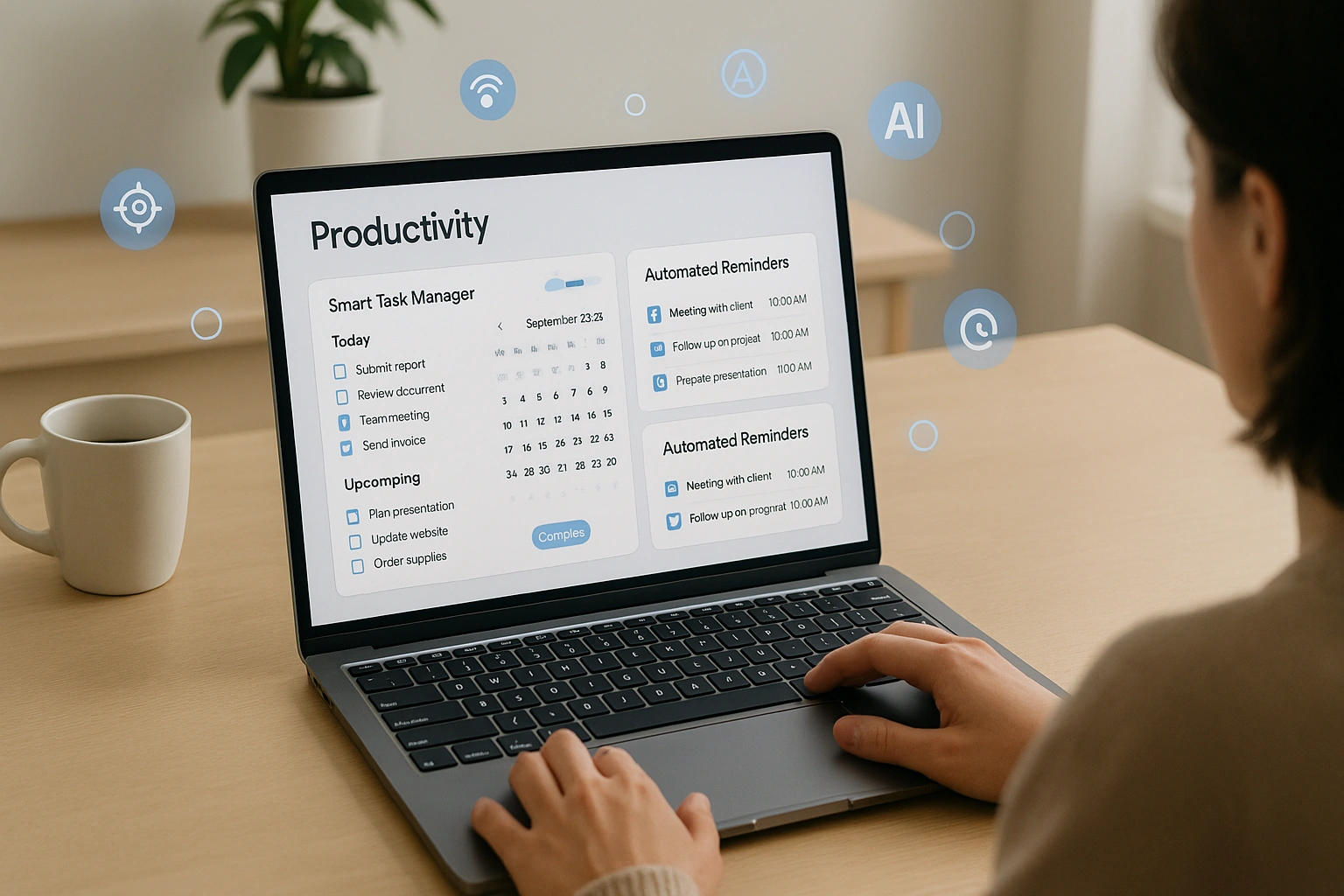
Why AI is Your Secret Weapon for Remote Work Success
Adopting AI productivity tools is about more than just getting more done. It’s about improving the quality of your work and your life.
Automate the “Busywork” and Reclaim Your Day
AI excels at handling the repetitive, administrative tasks that drain your energy. By automating this work, you can free up hours each week to focus on the deep, creative, and strategic thinking that truly moves the needle.
Conquer Information Overload
The modern workday is a firehose of information—emails, Slack messages, long documents, and back-to-back meetings. AI can act as your personal summarizer, digesting this information for you.
- Get an AI-generated summary of a long email thread or document.
- Receive a transcript and summary of a meeting you missed.
- Extract key action items and decisions from your notes.
Improve Focus and Deep Work
Distractions are the enemy of productivity, especially at home. AI tools can help create a more focused work environment by intelligently managing your schedule and eliminating interruptions. For more on how AI is shaping the future of work, see our article on digital finance trends.
How It Works: Core Features of a Productivity AI
AI productivity apps are built on a few core functionalities designed to make your workday smarter and smoother.
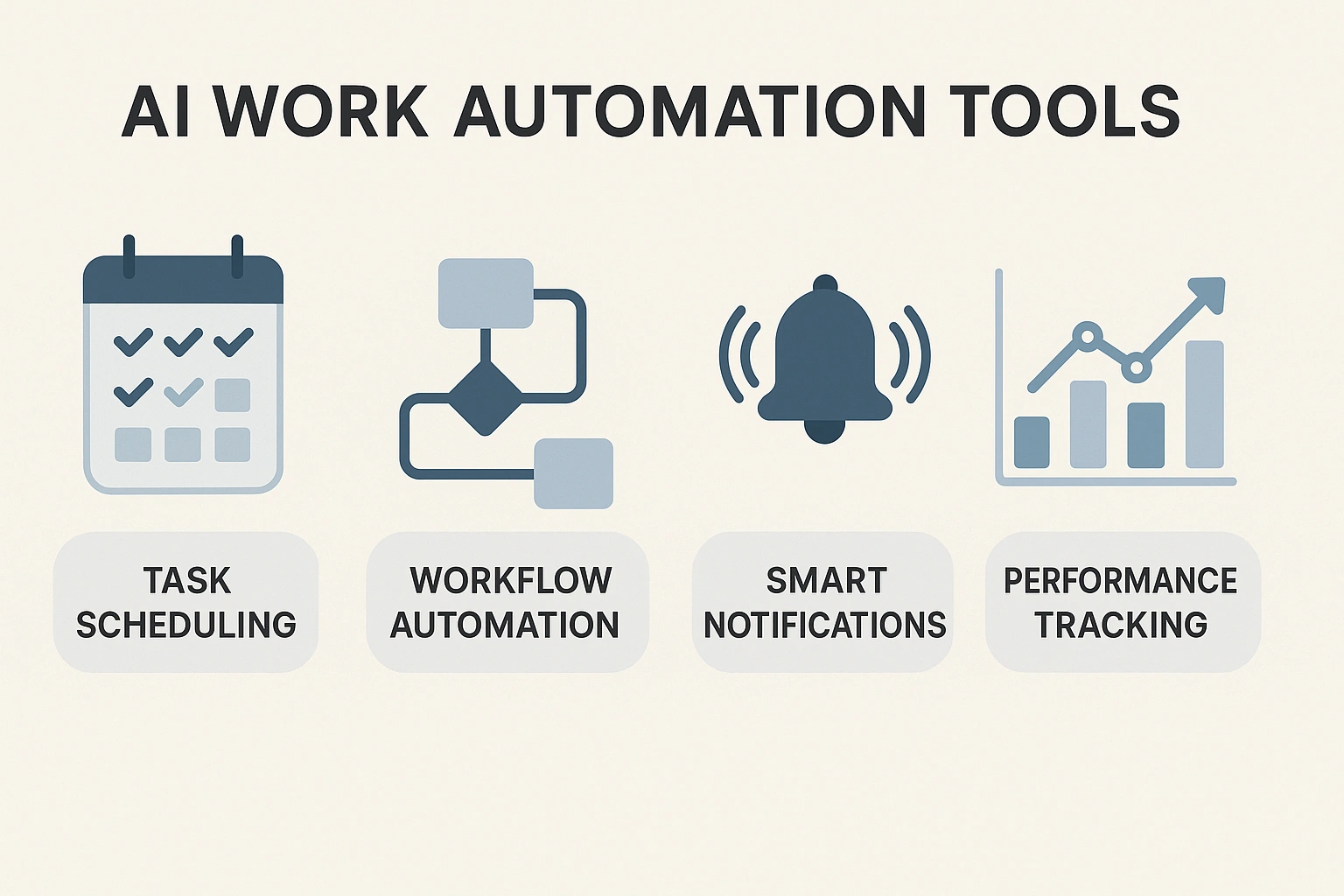
Here’s a breakdown of the key features that power these tools:
| Feature | What It Does | Benefit for Remote Workers |
|---|---|---|
| Intelligent Task Scheduling | Analyzes your to-do list and calendar, then automatically schedules tasks into open time slots based on priority. | Eliminates the mental effort of planning your day. |
| AI-Powered Note-Taking & Summarization | Transcribes meetings, drafts content, and summarizes long documents or notes. | Saves hours of reading and writing, ensuring you never miss key information. |
| AI Noise Cancellation | Uses machine learning to identify and remove non-human background noises from your calls. | Allows you to sound professional from any environment (e.g., a coffee shop or home with kids). |
| Smart Email Management | Prioritizes important emails, drafts replies, and summarizes long threads. | Helps you achieve “inbox zero” and manage email overload. |
Real-Life Use Case: A Review of Notion AI
To evaluate one of the most popular **AI productivity apps**, I integrated **Notion AI** into my daily workflow for a month. As a content creator, my work involves a lot of research, writing, and project management.
Notion AI became my “second brain.” I used it to summarize long research articles, instantly saving hours of reading. The “Brainstorm ideas” feature was a lifesaver for beating writer’s block. For project management, I used it to automatically extract action items from my meeting notes and turn them into a to-do list. The ability to switch tones—turning messy notes into a polished, professional email with one click—was a standout feature.
| Pros | Cons |
|---|---|
| ✅ Seamlessly Integrated: The AI is built directly into the Notion workspace you already use. | ❌ Not a Standalone Tool: You need to be a Notion user to benefit from it. |
| ✅ Extremely Versatile: Can be used for writing, summarizing, brainstorming, and organizing. | ❌ Cost is an Add-On: It’s an additional monthly fee on top of a paid Notion plan. |
| ✅ High-Quality Output: The writing and summarization are coherent and genuinely useful. | ❌ Can Be Slow: Sometimes there’s a slight delay as the AI processes your request. |
Top AI Productivity Apps for Remote Workers Compared
Notion AI is a powerful all-rounder, but other tools specialize in solving specific remote work challenges. Here’s how they compare.
| Tool | Key AI Features | Pros | Cons | Best For |
|---|---|---|---|---|
| Notion AI | AI writing assistant, summarization, action item extraction. | All-in-one workspace, very versatile, great for content creation. | It’s a paid add-on to the core Notion product. | Organizing notes, research, and projects. |
| Motion | AI-powered daily planner, task scheduling, meeting assistant. | Automates your entire schedule, fantastic for managing a complex workload. | It’s a premium, subscription-based tool. | Time management and task scheduling. |
| Krisp | AI-powered noise, voice, and echo cancellation for calls. | Makes you sound crystal clear from any environment, has a generous free plan. | A specialized tool focused only on audio quality. | Anyone who takes frequent online meetings. |
| SaneBox | AI email filtering and management. | Automatically filters unimportant emails, learns your priorities. | It’s a paid service after a free trial. | Taming an overflowing email inbox. |
Common Mistakes to Avoid with Productivity AI
These tools are powerful, but they are not a magic wand for productivity. Avoid these common pitfalls.
- Over-Automating Your Schedule: Don’t let the AI plan every minute of your day. Leave buffer time and flexibility for deep work and unexpected tasks.
- Trusting AI-Generated Content Blindly: Always review and edit AI-written text. It’s a great first draft, but it needs your human expertise and voice.
- Ignoring the Learning Curve: Spend an hour or two learning how to write effective prompts for your AI assistant. The better your input, the better your output.
- Creating “Tool Sprawl”: Don’t sign up for ten different AI tools that do similar things. Try to find one or two platforms that can solve most of your problems.
- Forgetting About Privacy: Be mindful of what information you’re feeding into these AI models, especially if it’s sensitive client or company data. Always use reputable tools with clear privacy policies, a concern often raised by tech watchdogs cited by Google.
Expert Tips for Success
Use your **AI work automation tools** like a pro with these best practices.
- Use AI as a Brainstorming Partner: Stuck on a problem? Ask your AI assistant to “act as a marketing expert and give me five ideas for…”
- Create a “Second Brain” in Notion: Use Notion AI to organize all your notes, research, and ideas. Then, use the AI to find connections and summarize information when you need it.
- Let Motion Plan Your Week: At the start of each week, dump all your tasks into Motion and let it build your initial schedule. Then, you can make manual adjustments as needed.
- Never Take a Noisy Call Again: Install Krisp and leave it running in the background. You’ll be amazed at how much more professional you sound.
“AI productivity tools don’t just help you do more tasks; they help you do more of the right tasks. By automating the noise, they clear the path for focus and creativity, which are the real currencies of modern work.”
– Cal Newport, Author of “Deep Work”
Frequently Asked Questions (FAQ)
Q: What is the best AI productivity app for a remote worker?
A: The ‘best’ app depends on your biggest challenge. For an all-in-one workspace and note-taking, Notion AI is fantastic. For managing a complex schedule and to-do list, Motion is a game-changer. For improving focus during online meetings, Krisp is an essential tool for noise cancellation.
Q: Can AI help me manage my to-do list?
A: Yes, this is a key strength of AI productivity apps. Tools like Motion can automatically schedule your tasks into your calendar, prioritizing them based on deadlines and importance, ensuring you’re always working on the right thing at the right time.
Q: Are there any free AI productivity apps?
A: Many powerful apps offer free tiers. Notion includes a limited number of AI actions for free. Krisp offers a free plan with a weekly limit on noise cancellation. While the most advanced features are often paid, you can get significant value from the free versions.
Q: How do AI work automation tools save time?
A: They save time by taking over repetitive, manual tasks. This includes summarizing long documents, transcribing meeting notes, drafting emails, scheduling tasks, and connecting different software to work together automatically, freeing you up to focus on strategic and creative work.
Q: Is it difficult to learn how to use these AI apps?
A: No, most modern AI apps are designed to be extremely user-friendly. They integrate into tools you already use (like your calendar or word processor) and often work with simple, natural language commands. You don’t need to be a tech expert to benefit from them.
Conclusion
The future of remote work isn’t about working longer hours; it’s about working smarter. AI productivity apps have become essential for creating a focused, efficient, and balanced workday.
By acting as your personal assistant, scheduler, and summarizer, AI productivity apps can help you cut through the noise and keep your energy directed at meaningful work.
Embracing the power of AI productivity apps also means building habits that support clarity, consistency, and better time management. These tools guide your workflow instead of overwhelming it.
With affordable and accessible AI productivity apps, you can finally take control of your productivity, stay ahead of distractions, and thrive in the ever-changing world of remote work.